 Nooraya
Your day, one prayer at a time.
Nooraya puts prayer times, qibla, tasbih, a private journal and a hadith for how you feel on your phone. Free, and installed straight from a link.
Under a minute. No Play Store, no warning screens.

Showing sample times for Dhaka.
Most apps do one job. Nooraya follows the whole day: an intention in the morning, your prayers through the day, a few lines in the evening, and something steady for the night.
 FajrMorning
Begin with one intention.
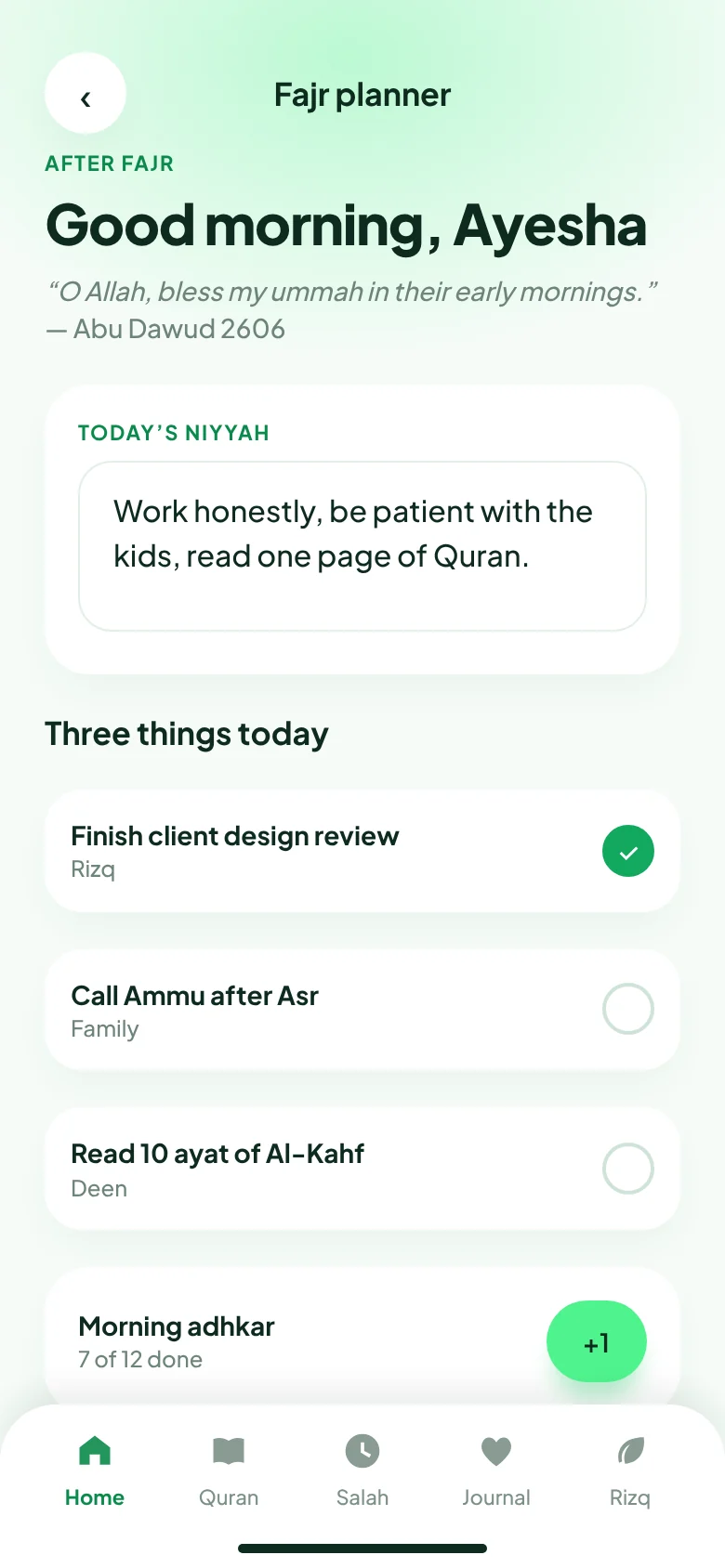
Before the day starts, write today’s niyyah, for example “Be patient today.” It stays on your home screen all day.
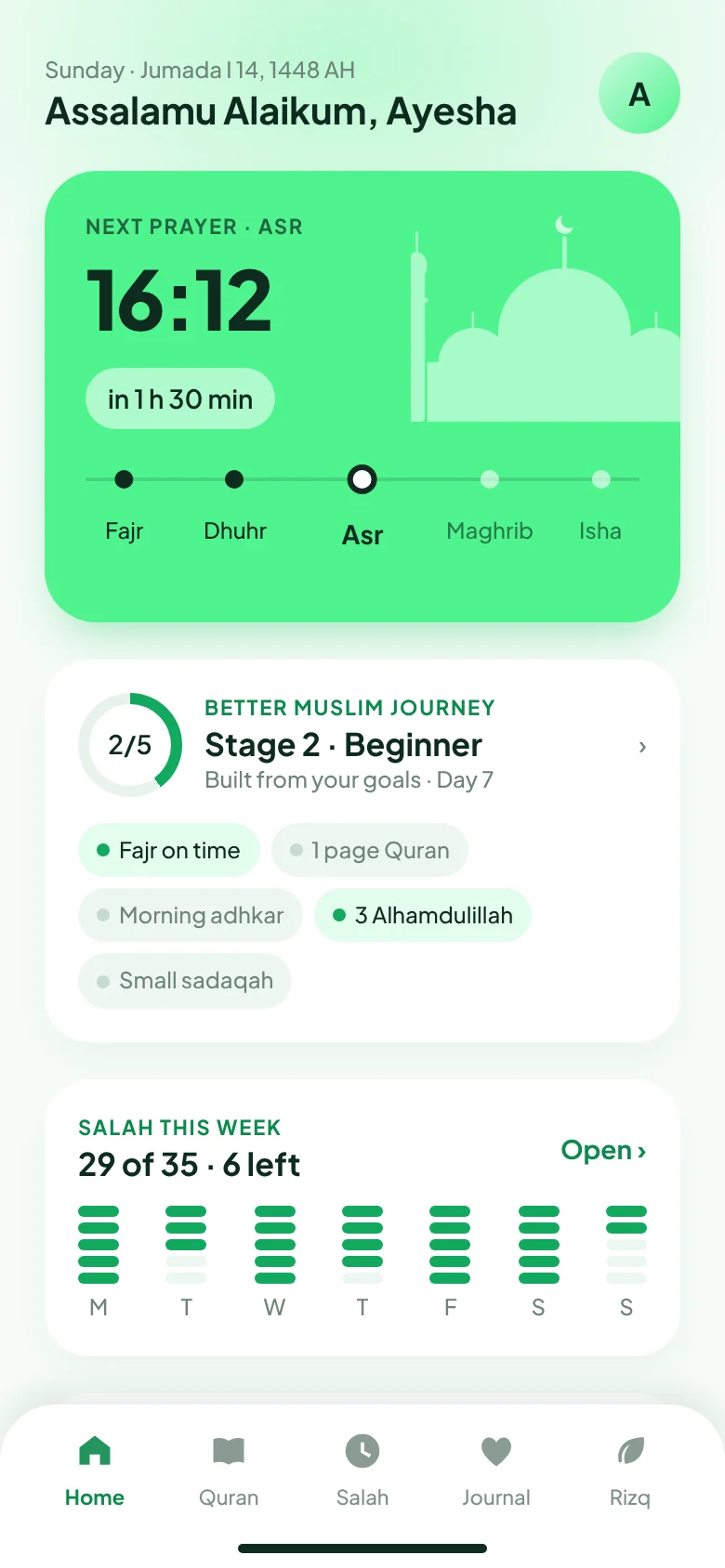
Prayer times are worked out on your phone for your city and your madhhab, so the next prayer is always one glance away.
- Next prayer with a live countdown
- Hanafi or Shafi’i Asr
- Methods for South Asia and the Gulf
 DhuhrMidday
Keep your prayers, without guilt.
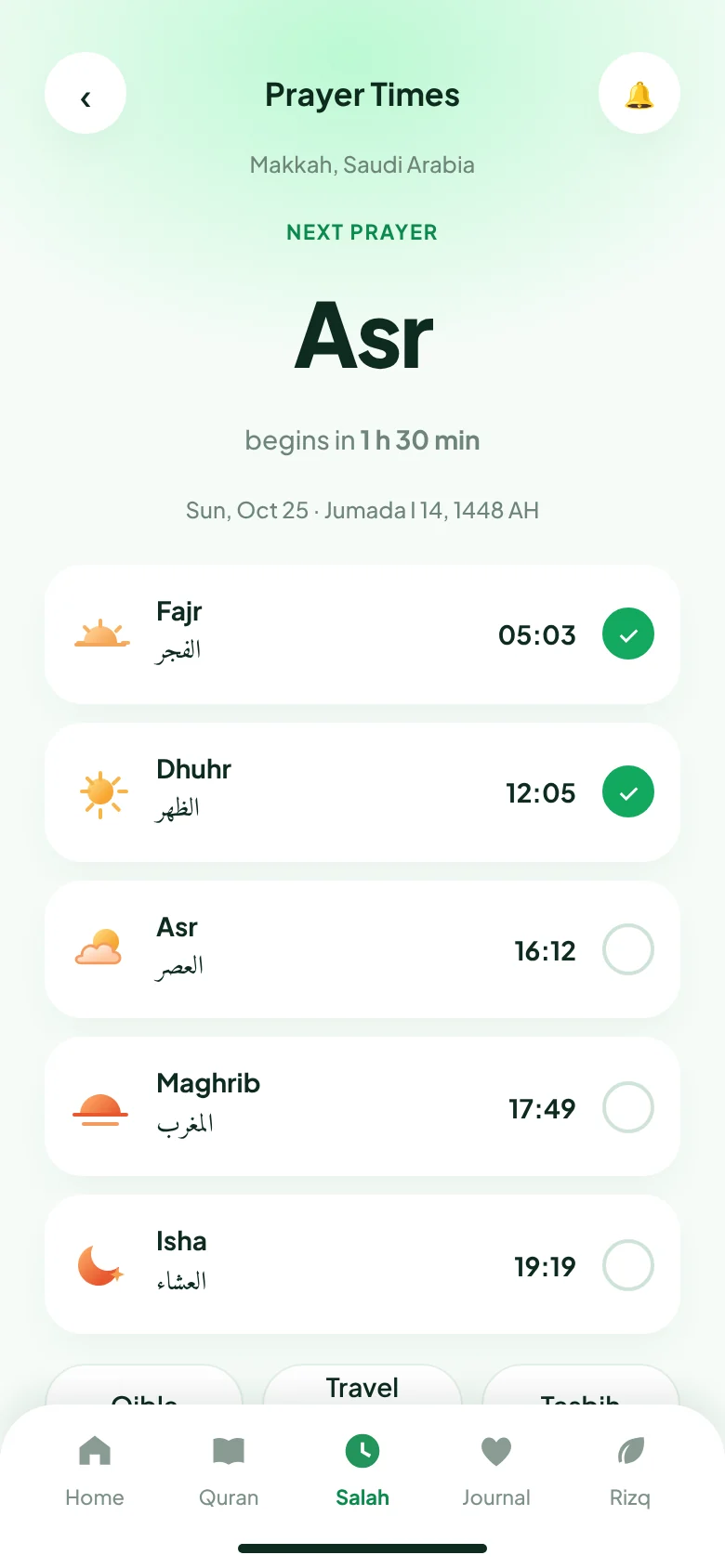
Tap each prayer when you have prayed it. If you miss one, the app does not scold you. It just lets you start again.
Use the planner for small things you want to do today: read Quran, make dua, call someone.
- A simple daily prayer tracker
- A short list of what matters today
- See your consistency without pressure
 AsrAfternoon
Count what is worth counting.
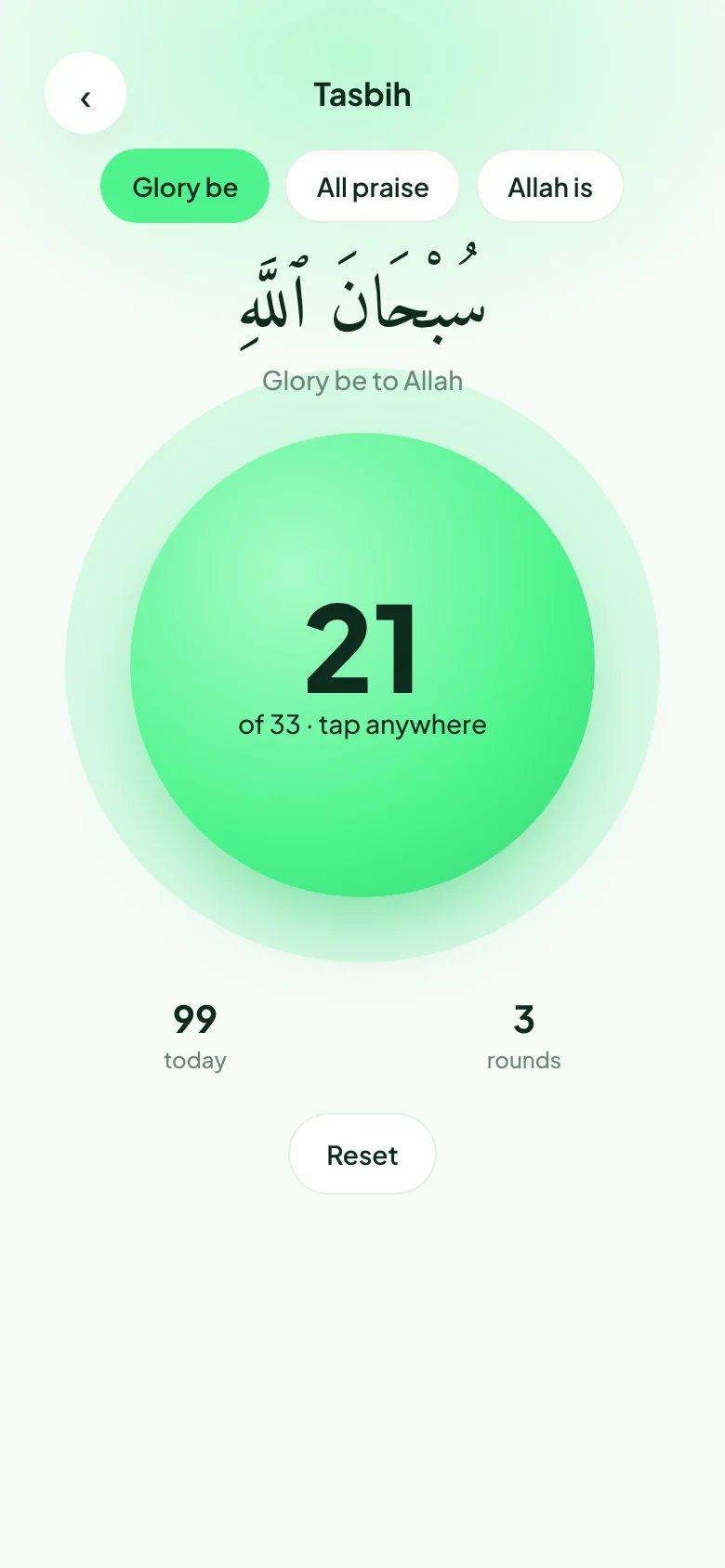
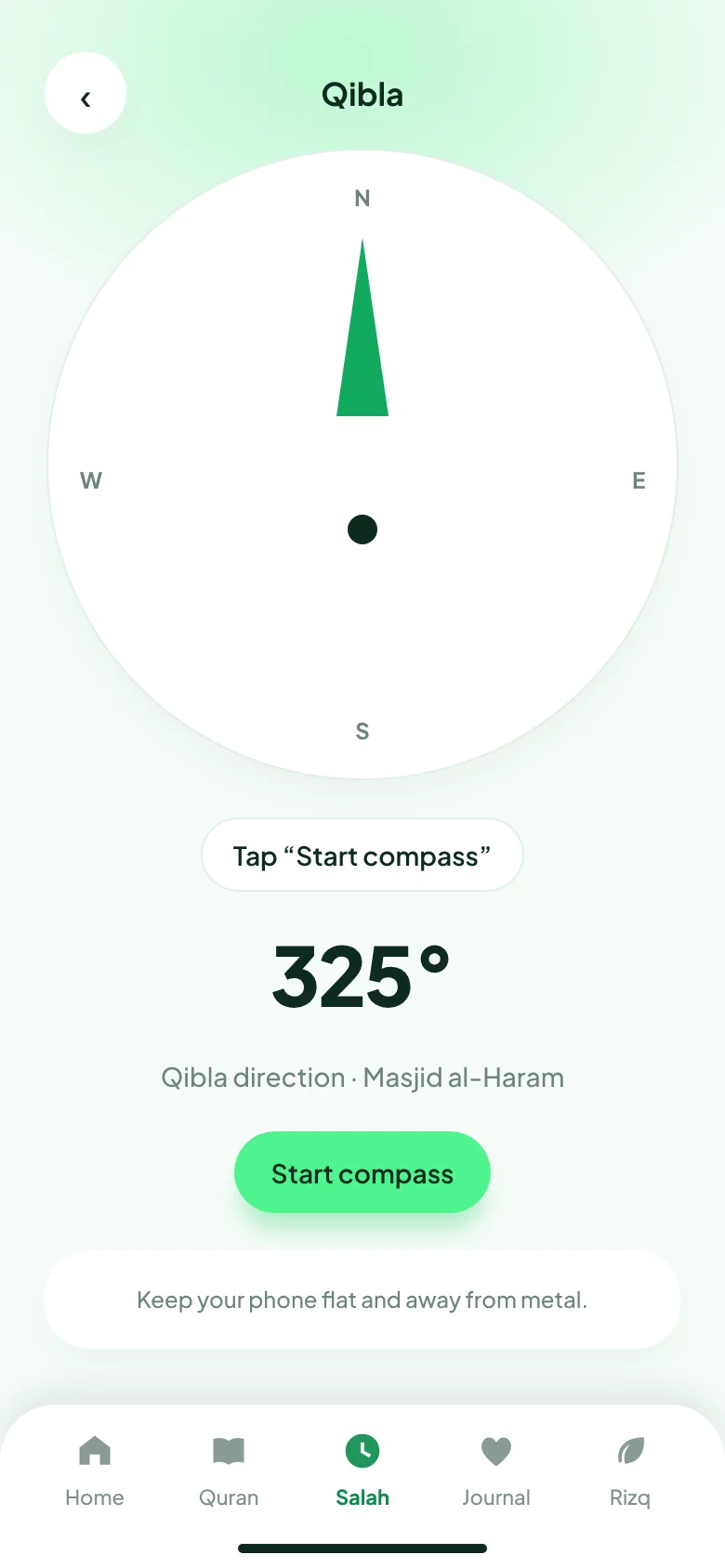
The tasbih counter works one-handed. Qibla shows on your phone’s compass. The zakat calculator is here too.
- Tasbih counter
- Qibla direction
- Zakat calculator
Compass accuracy differs between phones. If in doubt, check against a nearby mosque.
 MaghribEvening
Write the day down.
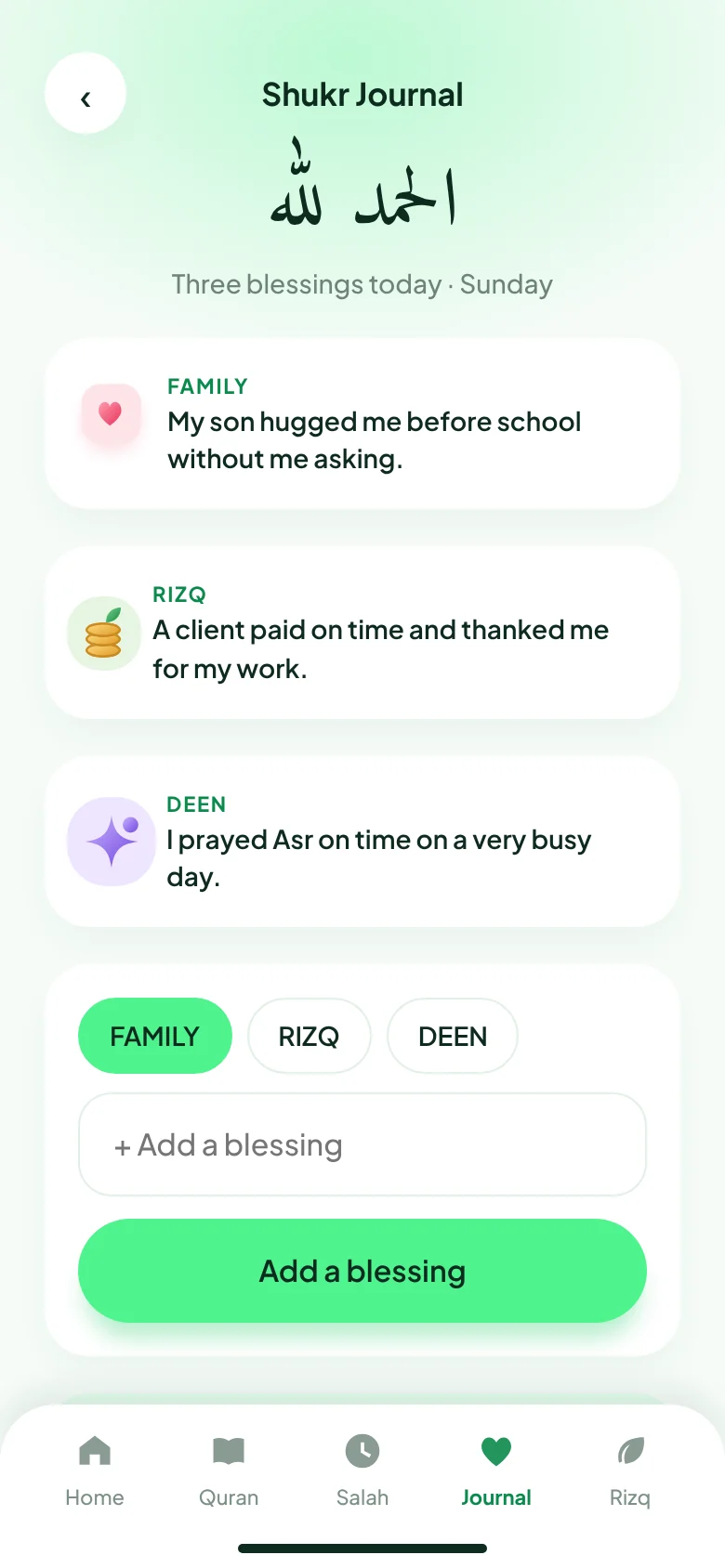
A few lines in the journal: what went well, where you slipped, what you are grateful for.
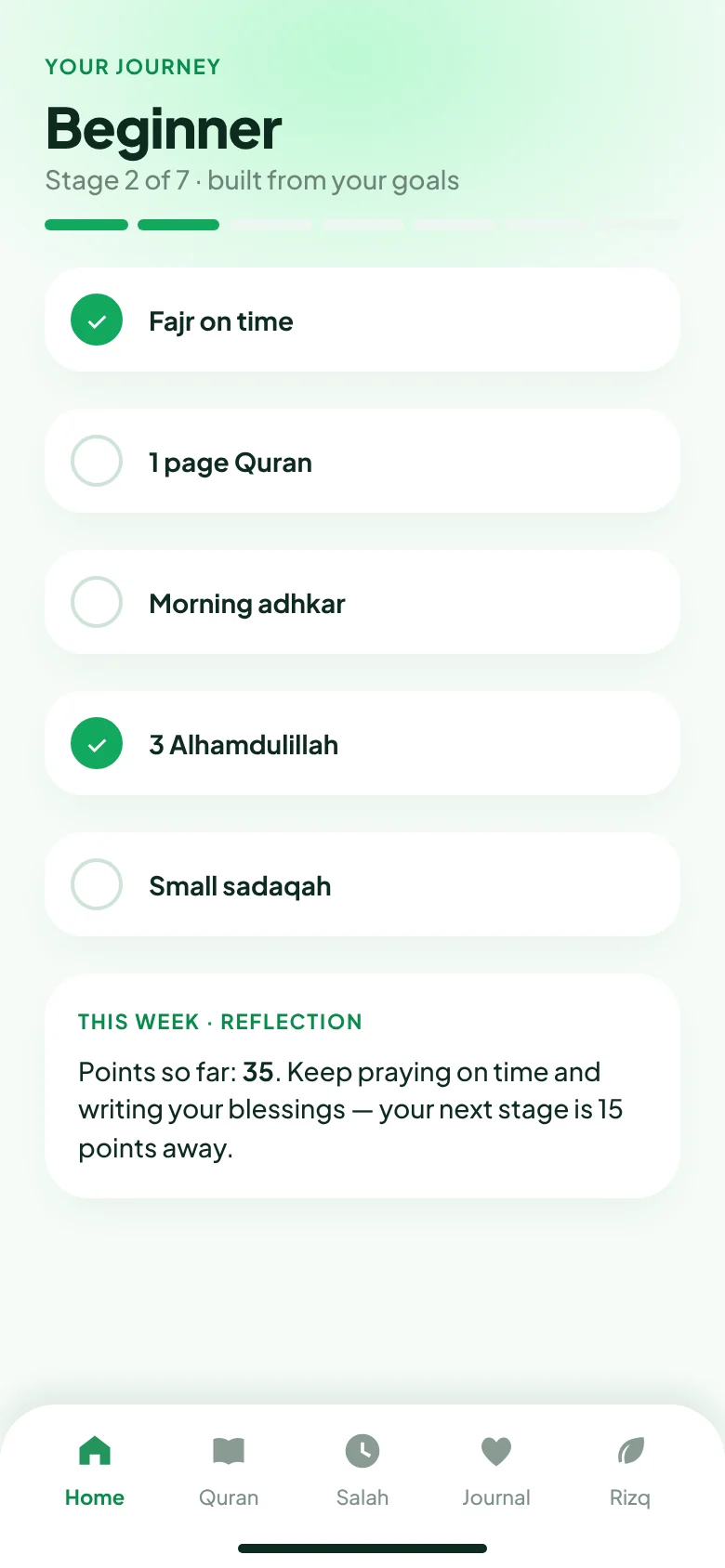
A journey built from your own goals takes you forward in small stages.
- Sign in with an account, keep your entries
- A staged journey from your goals
 IshaNight
After a heavy day, one hadith.
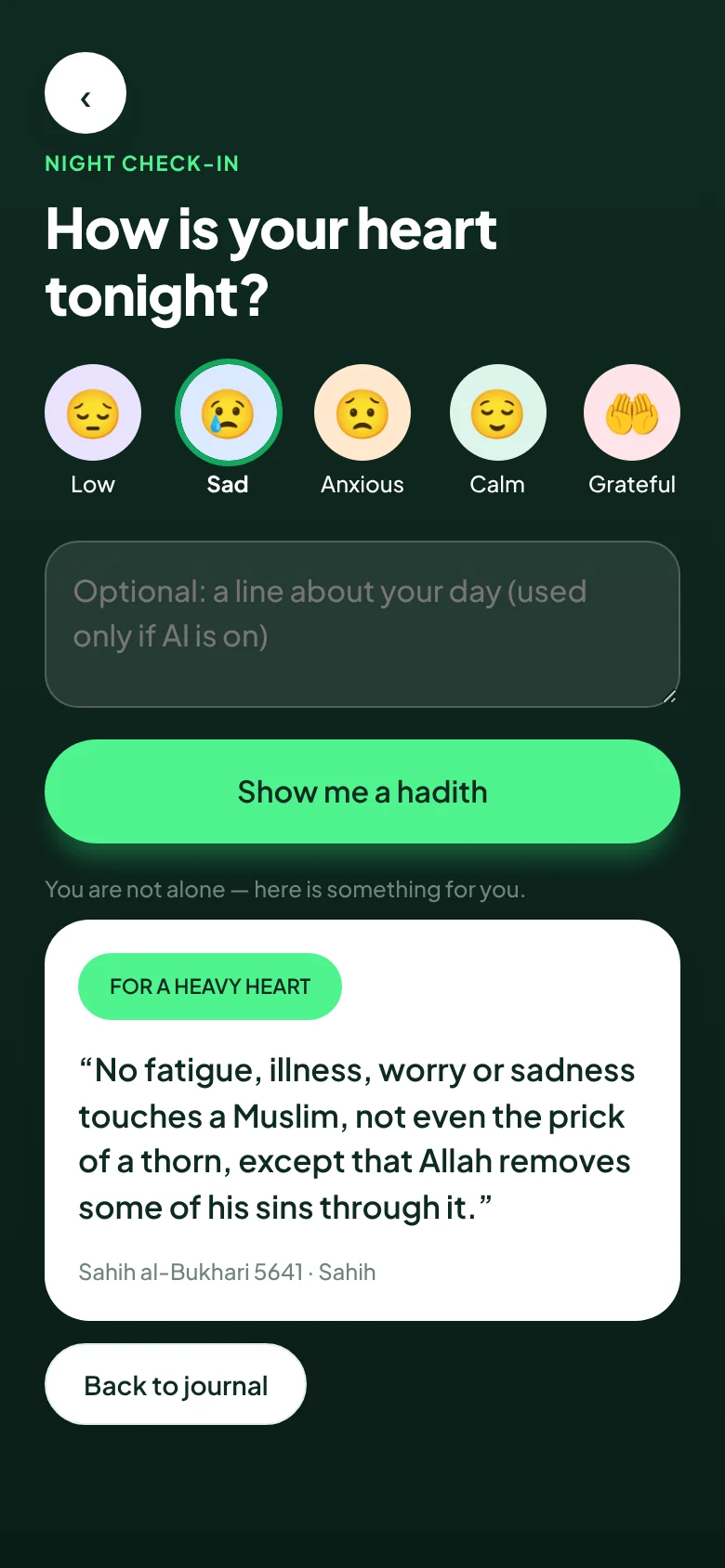
Pick how today felt, and write a line if you want to. Nooraya chooses a checked hadith for you.
Important: the AI never writes a hadith or any Quran text. It only chooses from a fixed list and adds a short note of its own.
The hadith list is small right now. We are growing it slowly and carefully.
Still being built
These show “Under development” inside the app. We do not pretend something is finished when it is not.
- Quran reading
- More hadith
- Azan sound
- Bangla language
What we promise.
No invented religious text
AI never writes Quran or hadith. What is not ready is labelled “Under development”.
Prayer times stay on your phone
They are calculated on your device, not looked up on a server.
Free, and plainly explained
What we store is written in plain words on the privacy page.
Get it on your phone in a minute.
No Play Store needed. Pick your device.
- Open this page in Chrome (not inside Facebook).
- Tap Install below, then confirm.
- Find the Nooraya icon on your home screen. It opens like any app.
 Scan with another phone
Questions people ask
Is it free?
Yes. Installing and using it costs nothing.
Is installing without the Play Store safe?
The Install button uses your browser’s own install feature, so no unknown file is downloaded. The APK is a separate option if you prefer it.
Do reminders come when the app is closed?
Not yet. Reminders work while the app is running. There is no azan sound yet either. We are working on both.
Which language is the app in?
English for now. A Bangla version is planned.
Does the AI read what I write?
In the mood feature, the lines you choose to write are sent to the AI so it can pick a hadith. You can skip writing. Details are on the privacy page.
It will not install on my phone
This usually happens when the link is opened inside Facebook or Messenger. Copy the link and open it in Chrome (Android) or Safari (iPhone).